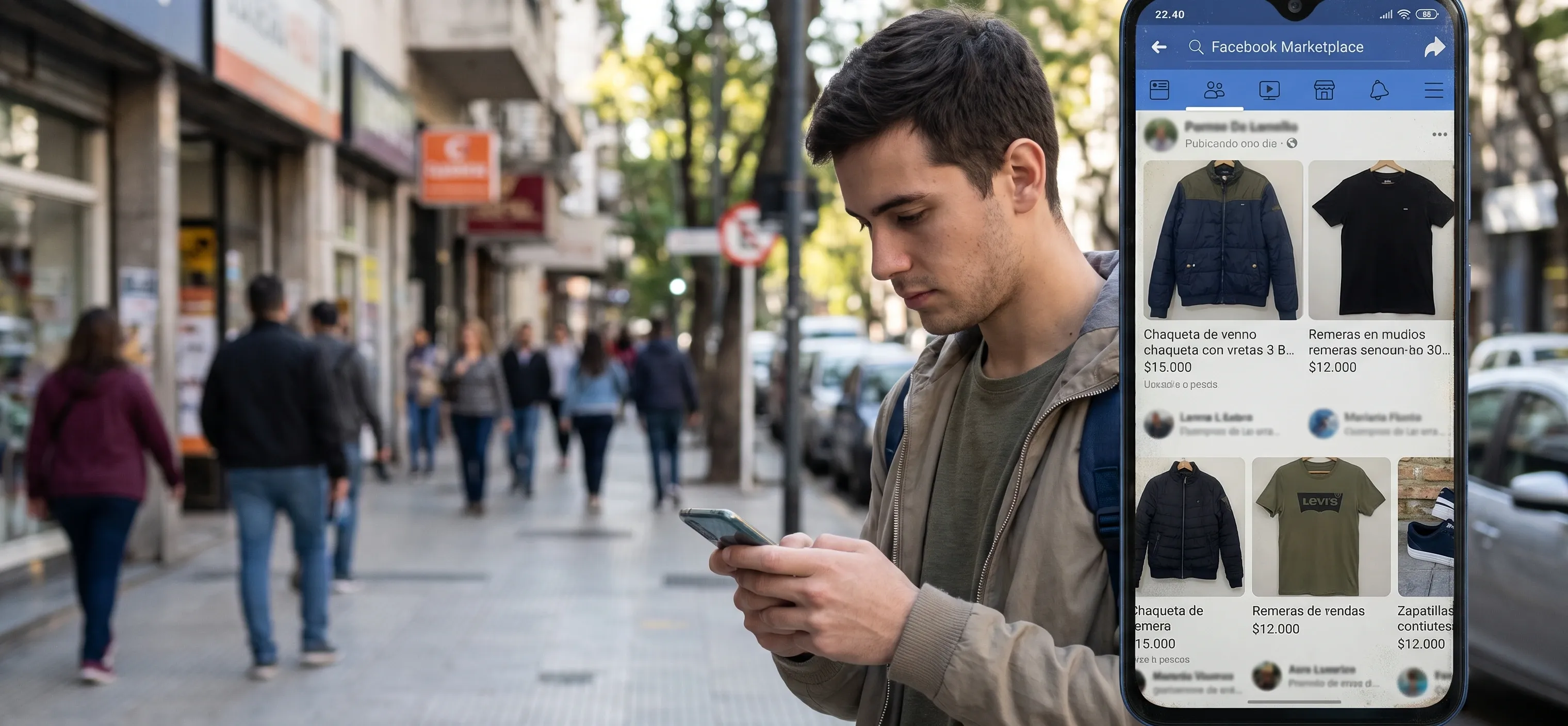
In the era of conversational commerce, customers interact with brands across multiple digital touchpoints. A buyer might start a conversation by replying to an Instagram Story, request details over Facebook Messenger, and finally ask for a custom quote on WhatsApp. Managing this fragmented communication across separate apps or mobile devices causes slow responses, missed sales opportunities, and inconsistent lead tracking.
Deciding to integrate WhatsApp with Instagram and Facebook allows your sales team to unify all customer interactions into a single management inbox. Synchronizing these three major platforms within your CRM stack turns operational clutter into an efficient, centralized revenue engine.
Why Centralizing Social Messaging into One Inbox Matters
Handling social media inquiries manually opens your business to constant lead leakage. When prospect messages sit unread for hours in Instagram Direct or Facebook Messenger, potential buyers move straight to your competitors.
DISPERSED INBOXES VS. UNIFIED CRM INBOX
|
Dispersed Apps & Devices |
Separate logins, response delays & lost sales chats |
|
Unified Omnichannel Inbox (WhatsApp + IG + FB in CRM) |
Single-screen chat panel with team SLA tracking |
Deploying a professional omnichannel CRM inbox delivers immediate operational advantages:
- Single-Screen Multi-Channel Messaging: Reps respond to inbound inquiries from WhatsApp, Instagram Direct, and Messenger from one shared dashboard.
- Smart Lead Routing & Assignment: Automatically distribute conversations across available sales agents based on workload or query type.
- Unified Contact History: If a prospect reaches out on Instagram first and later on WhatsApp, the CRM merges their history under a single contact card.
To implement seamless multi-channel integrations without technical friction, growing companies rely on expert guidance from Dotscom Agency.
Step-by-Step Technical Setup: Connecting Meta APIs to Your CRM
To centralize WhatsApp Instagram Facebook chats securely, connect official Meta APIs to your sales platform:
|
Social Channels (WA, IG Direct, FB Messenger) |
→ |
Meta Business Portfolio / APIs |
→ |
Unified CRM Inbox (Sales & Support) |
Step 1: Consolidate Your Meta Business Portfolio
Link your corporate Facebook Page, Instagram Professional Account, and WhatsApp Business API number inside a single Meta Business Portfolio.
Step 2: Connect Social Channels and WhatsApp API to the CRM
Authorize official API access tokens within your CRM environment (such as Kommo or custom multi-agent software) to enable instant message reception in a shared inbox.
Step 3: Establish Unified Messaging Workflows
Set up automated welcome messages, pre-qualification chatbots, and smart routing logic within your social media messaging integration.
Step 4: Track Paid Ad Attribution
By executing a proper Meta Business CRM integration, incoming messages from Click-to-WhatsApp or Click-to-Direct ads are automatically attributed to specific campaigns, giving leadership real-time visibility into ad spend ROI.
Best Practices for Enterprise Omnichannel Messaging
Maintaining high performance when managing WhatsApp and Instagram in one place requires clear operational hygiene:
- Enforce Unified Response SLAs: Set a maximum First Response Time (under 15 minutes) enforced consistently across all channels.
- Deploy Pre-Qualification Chatbots: Filter routine queries automatically before escalating complex chats to human representatives.
- Maintain API Health: Conduct routine audits of Meta API permissions and tokens to prevent accidental message drops.
Through specialized technical management at Dotscom Agency, we ensure your messaging infrastructure and CRM connections remain fully active.
Unify Your Sales Inbox and Boost Commercial Velocity
Forcing sales teams to manage scattered apps across multiple mobile devices restricts enterprise growth. Centralizing WhatsApp, Instagram Direct, and Facebook Messenger inside a single CRM platform cuts response times, improves buyer satisfaction, and drives conversion rates.
At Dotscom Agency, we help brands audit, structure, and scale their conversational messaging channels and CRM systems backed by transparent data governance. Schedule a commercial diagnosis session with our executive team today to modernize your commercial operations.